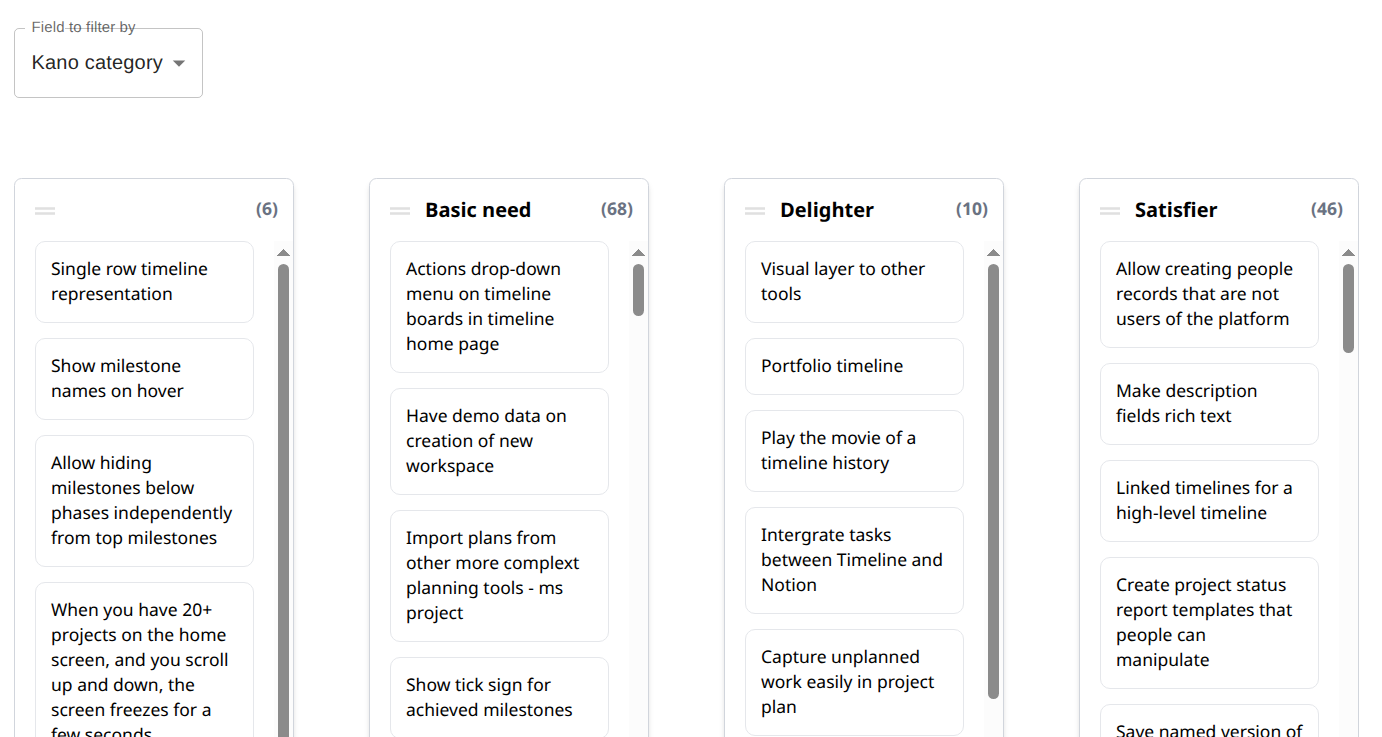
Kanban your Spreadsheet by MindiplyManage your spreadsheet data on a Kanban board.
How does it work?
1
Import your data
Import an Excel or CSV file containing your data.
2
Choose the data and set up the fields
Select the fields to use as columns and the ones for the cards' labels.
3
Kanban time!
Drag and drop the cards between columns. Switch the field to group the cards by.
4
Save your changes
Export your updated data back to Excel or CSV format.
For a bit more information before jumping in, look at the Help page.